Creating a home office that feels both cozy and functional is key to enjoying your work and staying productive. A well-designed workspace can boost your mood and efficiency, whether you’re working full-time from home or just need a dedicated spot for occasional tasks. Here are some friendly tips to help you set up a home office that works for you.
Choose the Right Location
Consider Natural Light
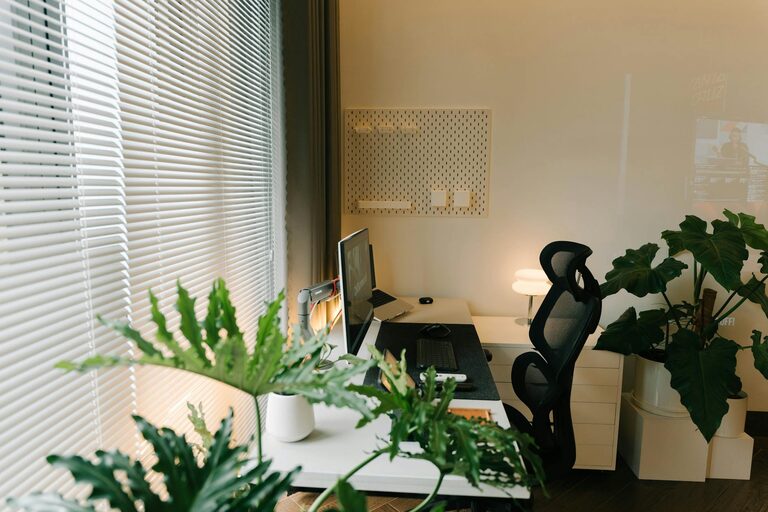
Natural light is one of the best elements for a pleasant workspace. Try to position your desk near a window to take advantage of daylight. This can improve your mood, reduce eye strain, and make the space feel more open.
Minimize Distractions
Select a quiet area of your home where you can focus without frequent interruptions. If you live with family or roommates, inform them about your working hours to help minimize distractions.
Invest in Comfortable Furniture
Ergonomic Chair and Desk
Comfort is crucial for long working hours. Choose an ergonomic chair that supports your back and encourages good posture. Your desk should be at the right height to keep your arms and wrists comfortable.
Flexible Options
Consider adjustable desks, such as standing desks, which allow you to switch between sitting and standing during the day. This variation helps reduce fatigue and promotes better health.
Opt for Warm and Inviting Decor
Soothing Colors
Select calming colors like soft blues, greens, or neutrals to create a relaxing atmosphere. Avoid bright or overly stimulating colors that might make it hard to concentrate.
Personal Touches
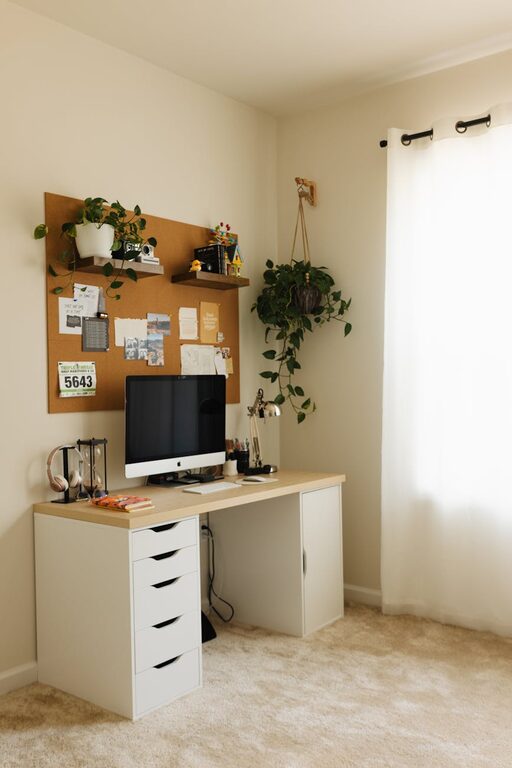
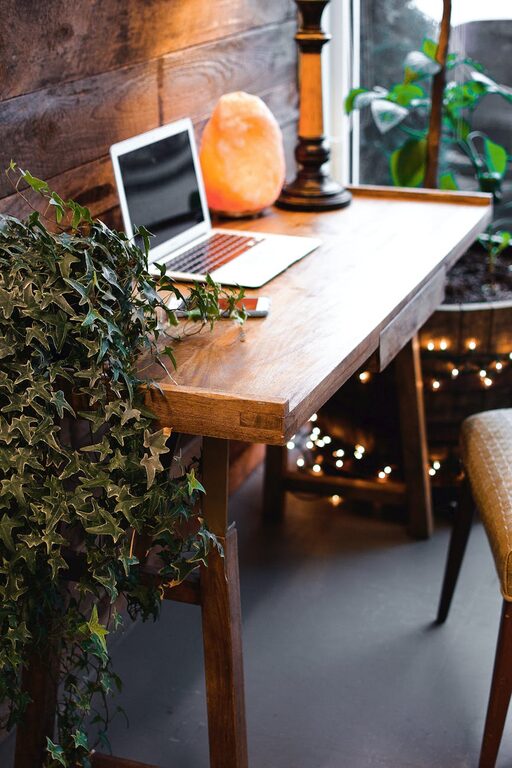
Add a few personal items, such as photos, artwork, or plants, to make the space feel welcoming. Plants not only look nice but also improve air quality and can boost your wellbeing.
Organize for Efficiency
Storage Solutions
Clutter can be stressful. Use shelves, drawers, and organizers to keep your desk tidy. Labeling files and folders can save you time when searching for documents.
Cable Management
Cords and cables can quickly become messy. Use clips, ties, or a cable box to keep them neatly arranged and out of the way.
Lighting Matters
Layered Lighting
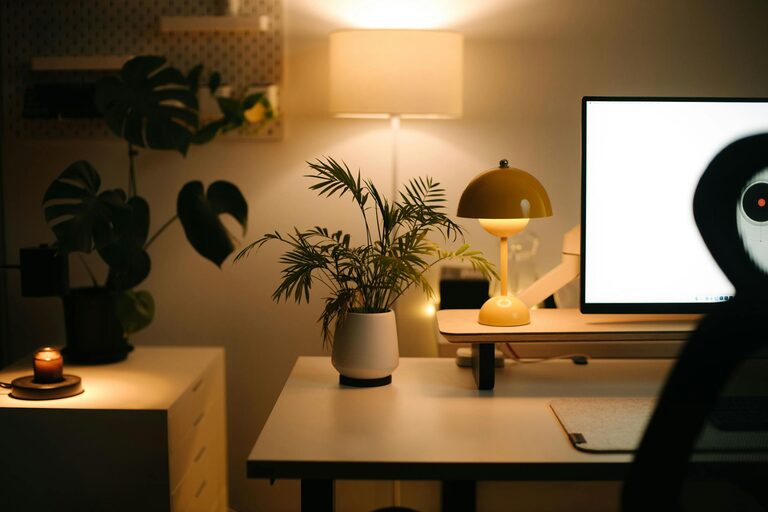
Good lighting is essential. Combine natural light with task lighting such as desk lamps to reduce eye strain. Adjustable lamps let you control the light intensity and direction.
Avoid Glare
Position screens to avoid glare from windows or lights. Consider using an anti-glare screen protector if necessary.
Keep Technology User-Friendly
Reliable Equipment
Ensure your computer, printer, and other devices are reliable and up to date. Slow or malfunctioning equipment can be frustrating and reduce your productivity.
Wire-Free Options
Where possible, use wireless peripherals such as keyboards and mice to keep your workspace neat.
Create a Routine Friendly Environment
Break Area
If space allows, create a small corner with a comfortable chair for breaks. Taking short breaks away from your desk helps refresh your mind.
Personal Comfort
Keep items like a water bottle, cozy blanket, or hand cream nearby to stay comfortable throughout the day.
Maintain Work-Life Balance
Clear Boundaries
Set clear work hours and stick to them. When you finish your workday, close the office door or pack away work materials to mentally separate work from home life.
Regular Cleaning
Keeping your workspace clean and refreshed can improve focus and reduce stress. Set a weekly routine to tidy up and reorganize if needed.
—
By applying these tips, you can transform your home office into a space that supports both comfort and productivity. Remember, the best home office is one that suits your personal needs and helps you feel motivated every day. Happy decorating!