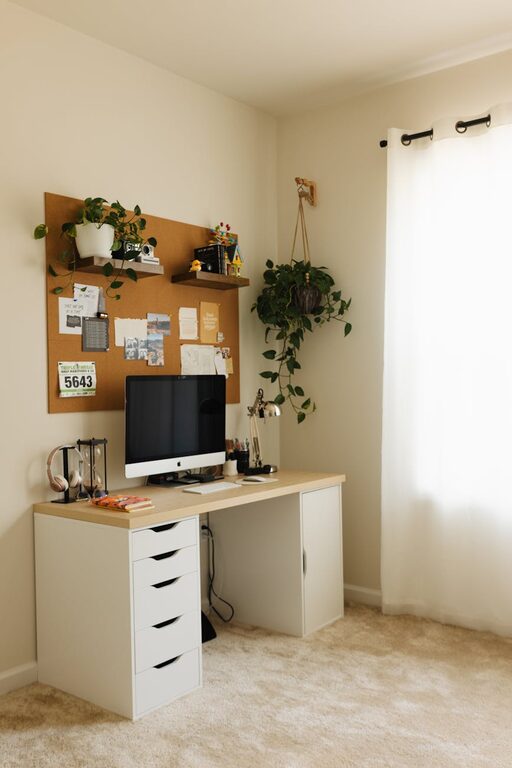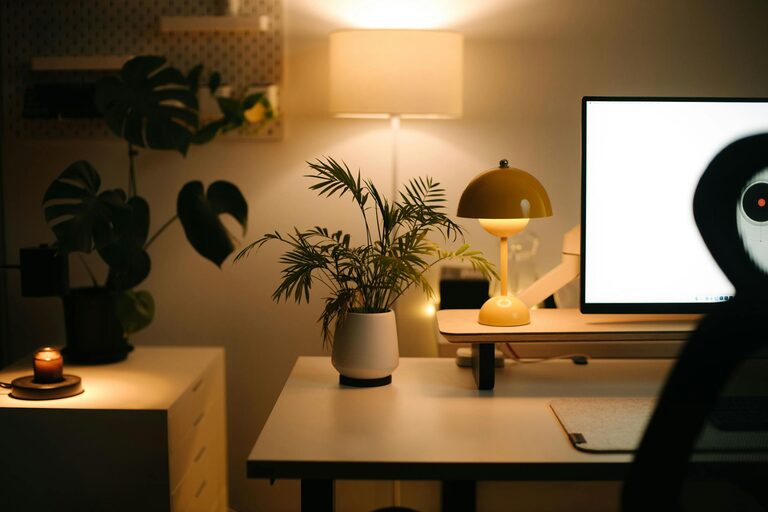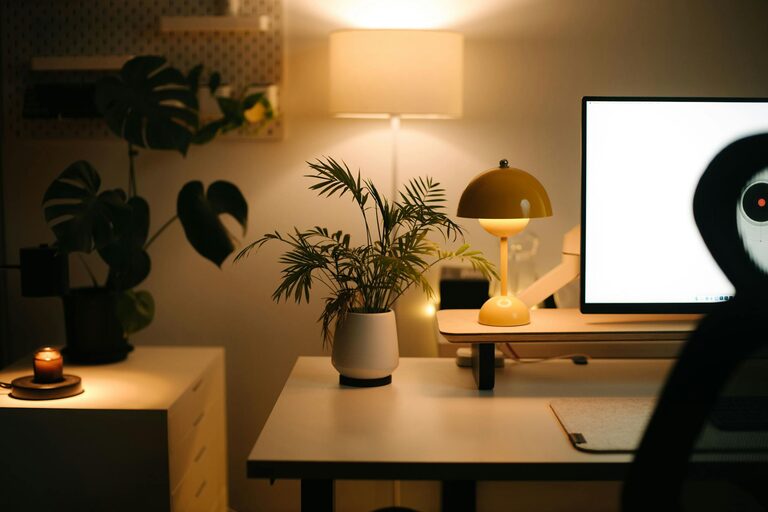
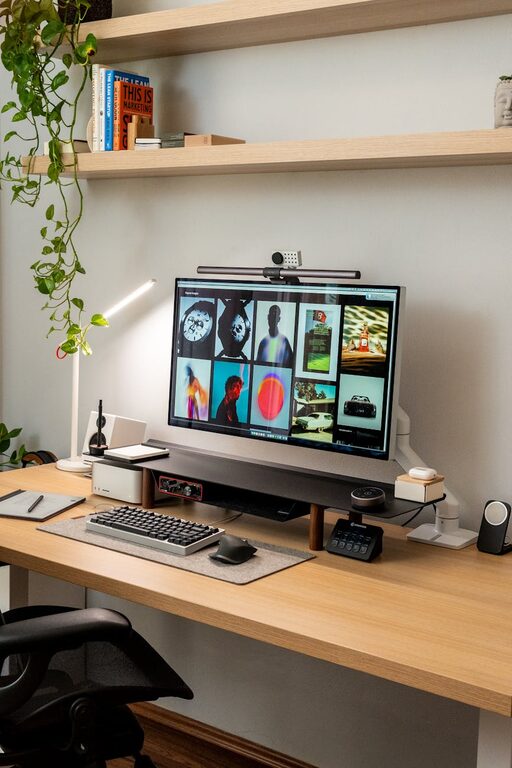
Creating a home office that is both cozy and functional can significantly improve your work-from-home experience. Whether you have a small corner or an entire room dedicated to your workspace, the goal is to make it inviting and practical. Here are some helpful tips to design a home office that supports productivity and keeps you comfortable throughout the day.
Choose the Right Location
Selecting the best spot in your home for your office is the first step. Ideally, pick a quiet area with minimal distractions and good natural light. This helps boost focus and reduces eye strain.
– Natural Light: Position your desk near windows if possible. Sunlight improves mood and energy levels.
– Privacy: Choose a space away from busy household areas to limit noise and interruptions.
– Space: Ensure the area has enough room for your desk, chair, and storage.
Invest in Comfortable Furniture
Comfort is key when working long hours at home. A well-chosen chair and desk can prevent aches and enhance focus.
– Ergonomic Chair: Look for adjustable chairs with lumbar support to maintain good posture.
– Desk: Select a desk that fits your workflow, whether you prefer sitting or standing. Adjustable desks offer flexibility.
– Footrest: Consider a footrest if your feet don’t comfortably touch the floor to reduce strain.
Prioritize Organization
Keeping your workspace tidy helps reduce stress and saves time looking for essentials.
– Storage Solutions: Use shelves, drawers, or filing cabinets to keep documents and office supplies neatly stored.
– Desk Organizers: Desk trays, pen holders, and cable management tools prevent clutter on your surface.
– Digital Organization: Regularly backup files and keep your computer desktop organized.
Add Personal Touches
Make your office space inspiring yet not distracting by adding a few personal touches.
– Plants: Indoor plants purify air and add a calming element.
– Artwork: Hang motivating or soothing artwork that reflects your style.
– Lighting: Use adjustable task lamps in addition to natural light for focused illumination.
Optimize Technology Setup
A smooth technology setup boosts efficiency and reduces frustration.
– Reliable Internet: Ensure your connection is stable for video calls and cloud work.
– Monitor Placement: Position screens at eye level to avoid neck strain.
– Accessories: Use wireless keyboards, mice, or headphones for flexibility and tidiness.
Establish Boundaries
Setting clear work-life boundaries helps maintain balance.
– Schedule: Keep regular work hours and communicate them with family or housemates.
– Separate Space: Close doors or use room dividers to distinguish work from personal life.
– Clean Up Routine: End each day by tidying your workspace to mentally disconnect.
Use Color and Decor Wisely
Colors influence mood and productivity. Calm, neutral tones like soft blues, greens, or beige encourage concentration, while brighter accents can add energy.
– Avoid overly loud or distracting patterns.
– Consider wall decals or removable wallpaper if you rent.
Maintain Air Quality and Comfort
Good air and temperature conditions can improve focus.
– Open windows regularly or use an air purifier.
– Adjust heating or cooling to stay comfortable without distractions.
Conclusion
Designing a cozy and functional home office is about balancing comfort and efficiency. By carefully choosing your space, investing in ergonomic furniture, staying organized, and personalizing your environment, you create a workspace that supports your best work. Remember, small adjustments can make a big difference in how you feel and perform while working from home. Take the time to tailor your office to your needs—you deserve a space where productivity and comfort go hand in hand.